A guide to using a sit-to-stand desk
Many people spend the majority of their workday sitting at a desk. While prolonged sitting has been linked to a range of health concerns including cardiovascular disease, metabolic conditions, and musculoskeletal pain, standing all day is not the answer either.
Our bodies are designed for movement and variation, not staying in one position for hours at a time.
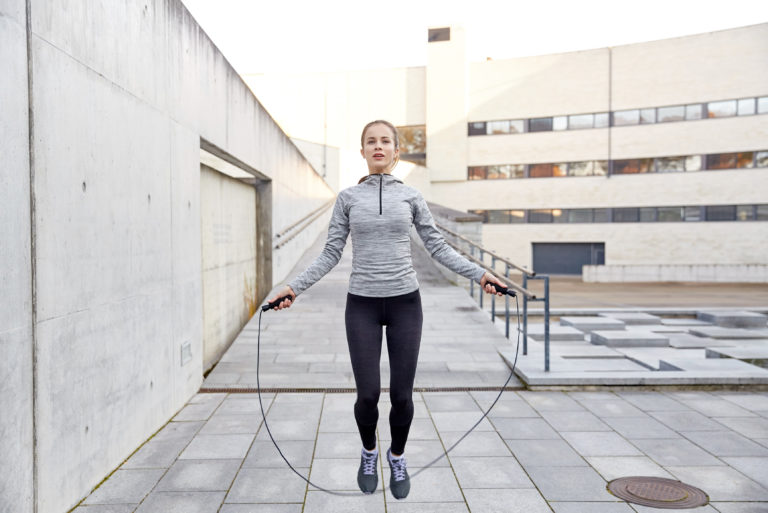
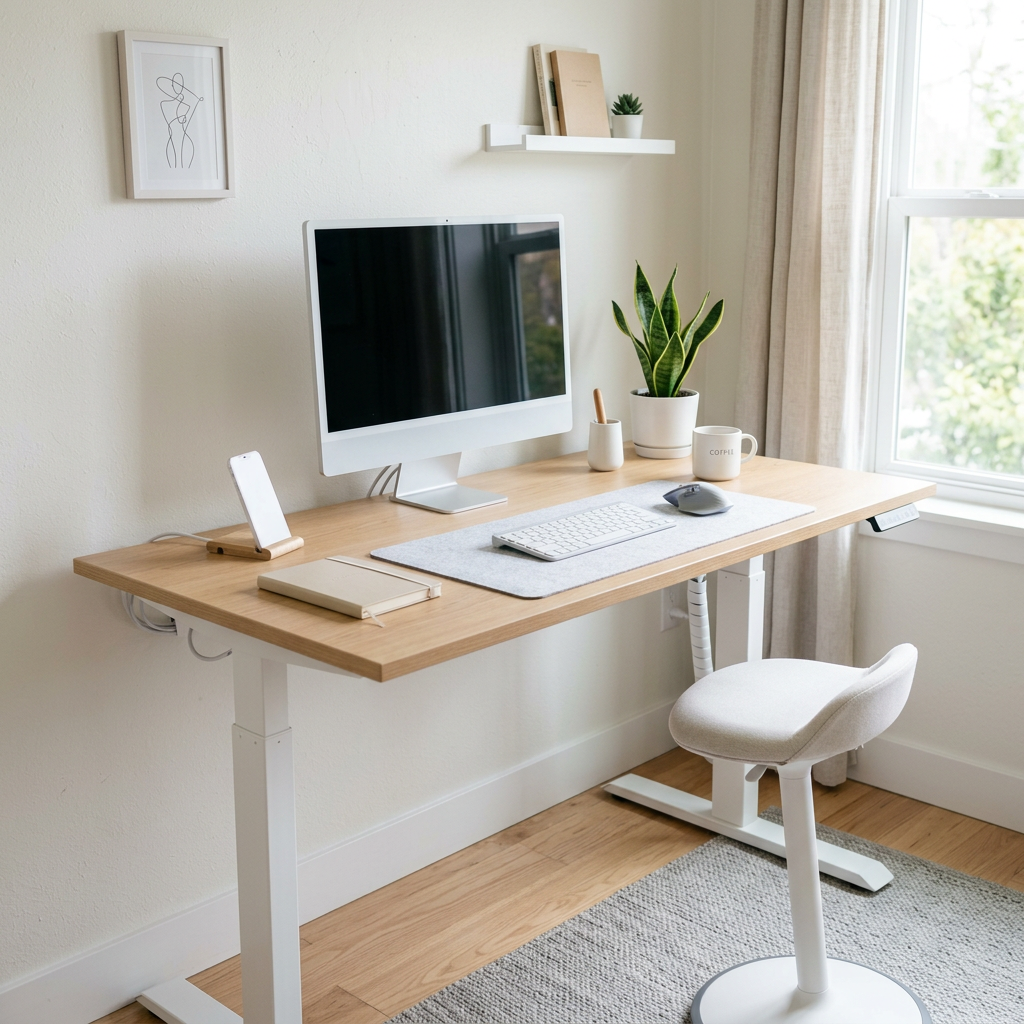
Sit-to-stand desks can be a great tool to help reduce sedentary time and encourage more movement throughout the day. The key is not to simply stand more, but to vary your posture regularly and keep moving.
Why changing position matters
Remaining in any posture for prolonged periods, whether sitting or standing, can increase strain on muscles and joints, contribute to fatigue, and reduce comfort and concentration over time.
The goal is to:
• Sit less
• Move more
• Change positions regularly throughout the day
General guidelines for sit-to-stand desk use:
• Gradually build up standing time rather than standing for long periods immediately
• Alternate between sitting and standing every 20–45 minutes
• Incorporate small movement breaks throughout the day
• Shift weight regularly while standing
• Wear supportive footwear where possible
• Keep frequently used items within easy reach
Standing desk setup tips
A well-set-up workstation can help reduce unnecessary strain on the neck, shoulders, and wrists.
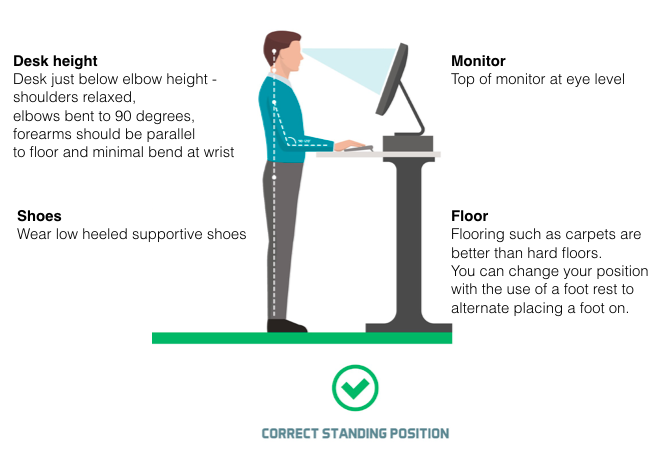
When setting up your desk:
• Relax your shoulders and keep elbows bent to approximately 90 degrees
• Position the desk just below forearm height
• Keep your mouse and keyboard close to your body
• Position the screen approximately arm’s length away
• The top of the monitor should sit at or slightly below eye level
• Avoid craning the neck forward or looking down for prolonged periods
Movement and strength matter too
Ergonomics are important, but they are only one piece of the puzzle.
Research shows that combining a good workstation setup with regular exercise and targeted strengthening exercises is more effective for reducing neck and shoulder pain than ergonomic changes alone.
Regular movement, strength training, walking, stretching, quality sleep, and overall physical activity all play an important role in supporting posture and reducing pain.
Simple ways to move more during the workday:
• Stand during phone calls
• Walk to speak with colleagues instead of emailing
• Take short movement breaks between tasks
• Use stairs where possible
• Place printers or bins away from your desk to encourage movement
Movement and Breaks
No setup can offset being still all day.
Change posture often rather than chasing a “perfect” posture
Aim to stand, stretch, or walk every 30–60 minutes
Small, regular breaks are more effective than long, infrequent ones
Follow the 20-20-20 rule: Every 20 minutes, look 20 metres away for 20 seconds
If you are experiencing neck pain, headaches, upper back tension, or discomfort related to desk work, our Osteopaths can assess your workstation setup, posture, mobility, and muscle tension, while also providing practical advice and exercises to help you move and feel better throughout the workday.